> ## Documentation Index
> Fetch the complete documentation index at: https://help.experro.com/llms.txt
> Use this file to discover all available pages before exploring further.
# Media fields
Media & Asset fields let you manage and style visual elements within your content entries. This section covers the two core field types:
* **Media**
* **Color Picker**
## 1. Media
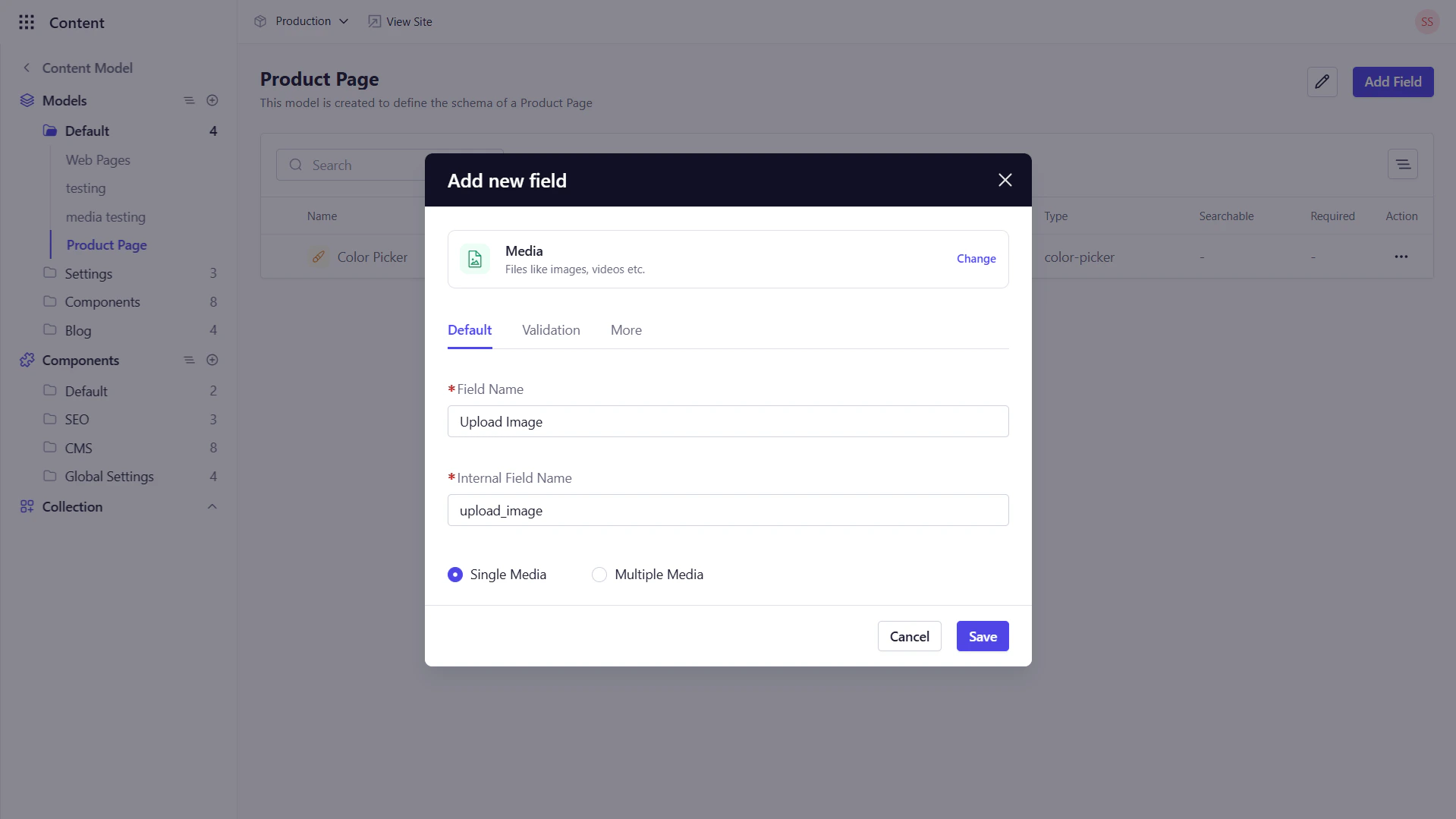
The **Media** field enables editors to upload and attach one or more files images, documents, or video to a content entry.
### Key Configuration Options
* **Default Tab**
* *Field Name* : Enter the display name for the field.
* *Internal Field Name*: This field is auto-populated based on the Field Name.
* *Single Media*: Restricts the field to exactly one file.
* *Multiple Media*: Allows attaching multiple files per entry.
* **Validation Tab**
* *Allowed File Types*: Specify which file types are acceptable (e.g., Image, Files, Videos, or All).
* *Required Field*: Ensure at least one file is uploaded before saving.
* *Read Only*: Prevent editors from modifying the file.
* **More Tab**
* *Help Text*: Provide guidance on file dimensions, size limits, or usage recommendations using tooltips.
 ## 2. Color Picker
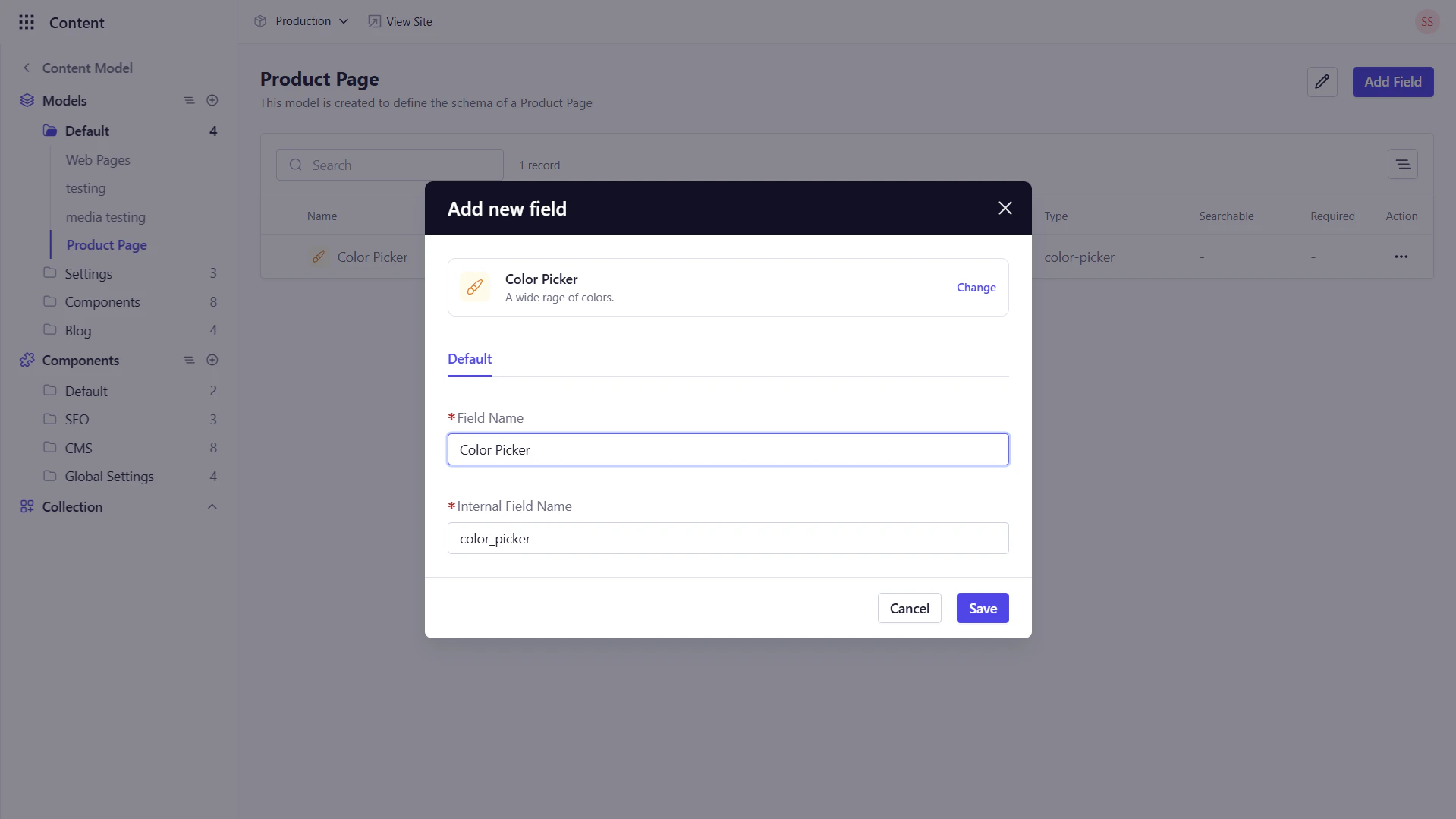
The **Color Picker** field offers a visual swatch and HEX‑code selector, perfect for theme or brand color inputs.
This field can be used to capture color values in the following scenarios among many others:
* Defining brand colors for page sections or components.
* Allowing editors to customize background or text colors without CSS.
* Capturing design tokens directly in content entries.
**Key Configuration Options**:
* **Default Tab**
* *Field Name* : Enter the display name for the field.
* *Internal Field Name*: This field is auto-populated based on the Field Name.
## 2. Color Picker
The **Color Picker** field offers a visual swatch and HEX‑code selector, perfect for theme or brand color inputs.
This field can be used to capture color values in the following scenarios among many others:
* Defining brand colors for page sections or components.
* Allowing editors to customize background or text colors without CSS.
* Capturing design tokens directly in content entries.
**Key Configuration Options**:
* **Default Tab**
* *Field Name* : Enter the display name for the field.
* *Internal Field Name*: This field is auto-populated based on the Field Name.
 ## What’s Next
After mastering media and color inputs, move on to **Choice & Relations Fields**, where you’ll learn to capture selections (booleans, dropdowns) and link entries across models.
## What’s Next
After mastering media and color inputs, move on to **Choice & Relations Fields**, where you’ll learn to capture selections (booleans, dropdowns) and link entries across models.