> ## Documentation Index
> Fetch the complete documentation index at: https://help.experro.com/llms.txt
> Use this file to discover all available pages before exploring further.
# Recommended For You
The **Recommended For You**(RFY) widget delivers personalized product suggestions by learning from each shopper’s unique browsing and purchase history. As a dynamic “shopping assistant,” RFY adapts in real time—surfacing relevant items on the homepage, search‐no‐results pages, product detail pages, cart pages, and beyond.
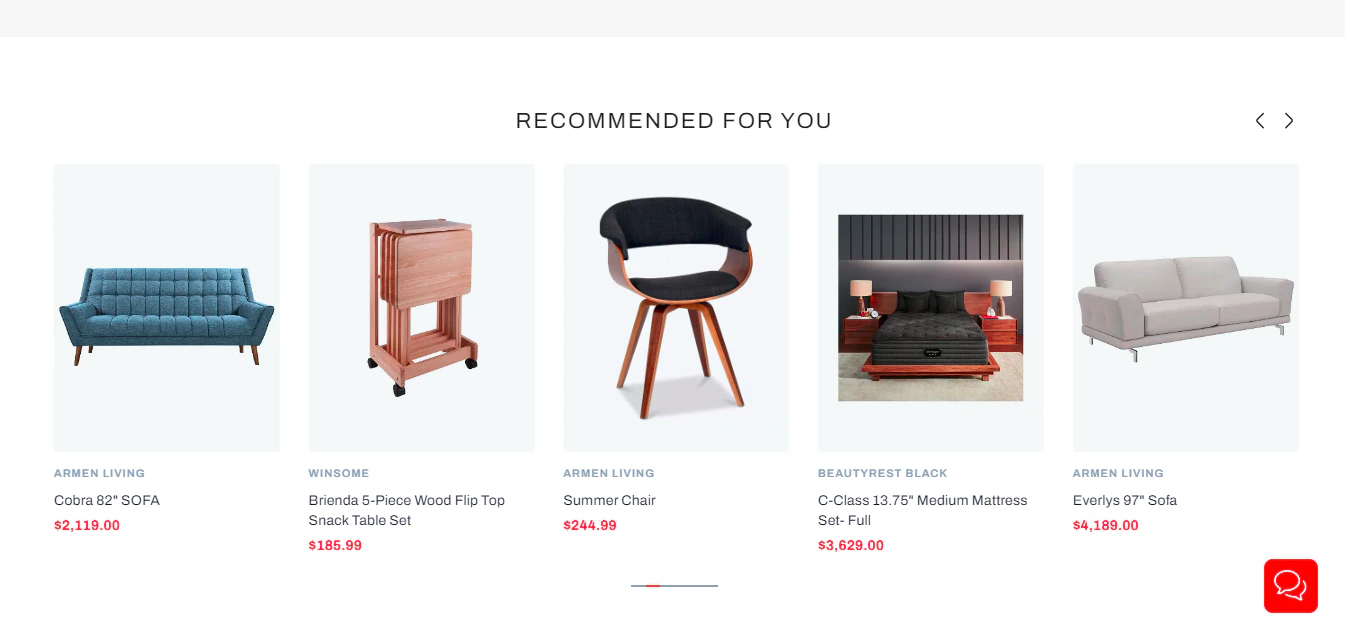 **Recommended Placement**
1. Place on the homepage to greet returning shoppers with tailored picks.
2. Add to PDPs or zero-results pages to reengage users when no organic results match.
## How It Works
The following logical order would be used by the algorithm to generate RFY recommendations:
1. **Collaborative Filtering**\
Leverages patterns across your user base—“shoppers who viewed X also viewed Y.”
2. **Content Signals**\
Analyzes product attributes (categories, tags, descriptions) to surface items with similar properties.
3. **Session-Based Signals**\
Prioritizes products the user has interacted with during their current session.
4. **Similar Items Fallback**\
If session data is sparse, defaults to algorithmically detected similar products.
## Supported Rule Types
You can scope RFY behavior at multiple levels, each of which can override the global settings:
* **Global** (default for all placements)
* **Home Page**
* **Product Page**
* **Category Page**
* **Cart Page**
* **Search Page**
## Behavior for Not Logged-In Users
* **With Session Activity**\
RFY tracks clicks/views in the current session and populates suggestions accordingly.
* **New Visitors**
* **Fallback Disabled:** Widget remains hidden.
* **Fallback Enabled:** Displays products from your chosen fallback algorithm.
## Behavior for Logged-In Users
* **Returning Customers**\
RFY sequentially applies collaborative, content, then session logic to craft highly relevant suggestions.
* **Freshly Registered (No History)**
* **Fallback Disabled:** Widget remains hidden until they interact.
* **Fallback Enabled:** Shows fallback recommendations to kickstart engagement.
Fallback settings are a UI-level feature. The underlying AI/ML API returns an empty result if no recommendations can be generated.
## Example Scenario
1. **Context:** A shopper lands on a designer-furniture PDP for a mid-century sofa.
2. **Action:** RFY analyzes that user’s past views/purchases of coffee tables and accent chairs.
3. **Outcome:** A “Recommended For You” carousel appears beneath the product details—showing complementary pieces (side tables, cushions) that match their style.