> ## Documentation Index
> Fetch the complete documentation index at: https://help.experro.com/llms.txt
> Use this file to discover all available pages before exploring further.
# Development environments
The workspace within which the setup and configuration of software tools, frameworks, and resources exists that enables the developers to create and test their eCommerce platform. It provides a controlled and optimized environment for the development process, facilitating efficient coding, collaboration, and deployment.
Experro's theme supports various development environments to accommodate different preferences and requirements of developers. These environments are designed to streamline the theme customization and extension process, ensuring smooth development workflows and high-quality outcomes.
## What are the Two Development Environments?
Experro Storefront offers two default environments to working with the base theme.
1. Application (Default)
2. Experro Visual Builder
### Type 1 - Application (Default)
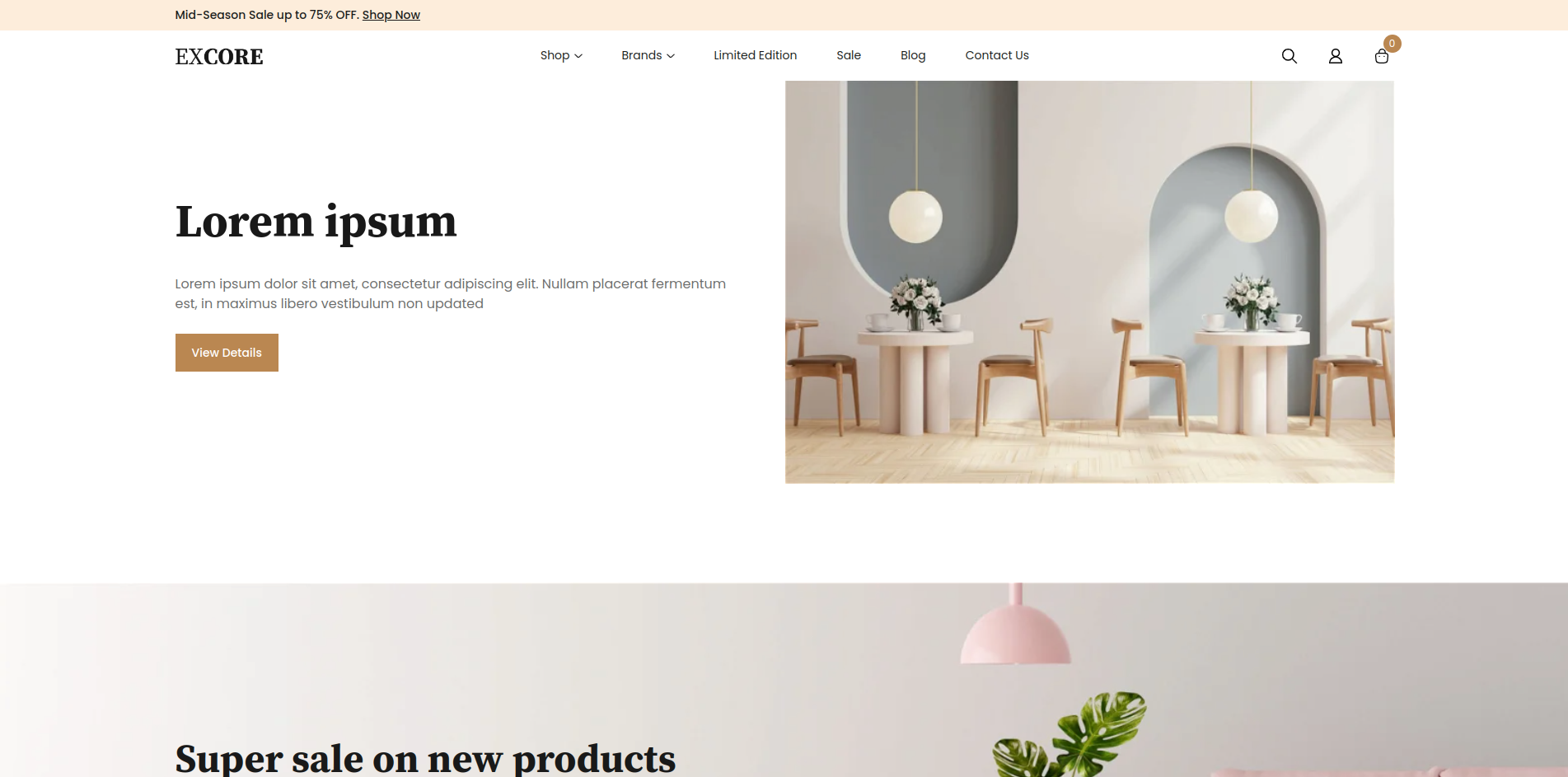 The base theme runs in *application* development environment by default. You need a configuration file to change the development environment from one to another. In the base theme folder, you will see a file `.env.development.local` that contains the below configuration.
```txt theme={null}
REACT_APP_BUILD_TARGET=app
REACT_APP_STORE_URL=http://localhost:8080/
REACT_APP_STORE_TOKEN=http://localhost:8080/
```
The `REACT_APP_BUILD_TARGET` environment variable can be set to either `app` or `app-ui-builder`.
### Type 2 - Experro Visual Builder
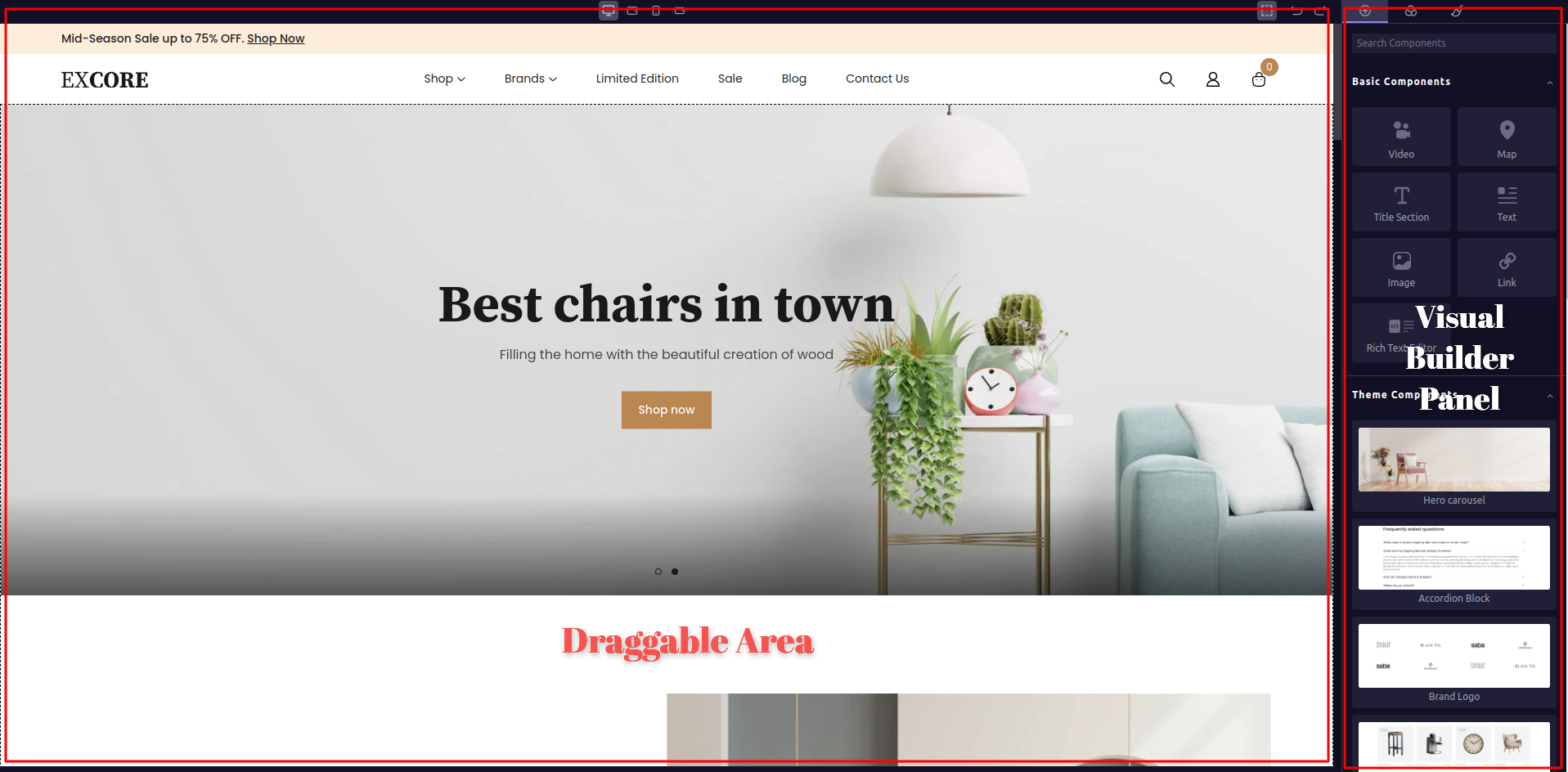
Change the value of `REACT_APP_BUILD_TARGET` from `app` to `app-ui-builder` and re-run the base theme. You should see the base theme with Draggable area on left side and Visual Builder Panel on right side to drag-and-drop the possible components.
The base theme runs in *application* development environment by default. You need a configuration file to change the development environment from one to another. In the base theme folder, you will see a file `.env.development.local` that contains the below configuration.
```txt theme={null}
REACT_APP_BUILD_TARGET=app
REACT_APP_STORE_URL=http://localhost:8080/
REACT_APP_STORE_TOKEN=http://localhost:8080/
```
The `REACT_APP_BUILD_TARGET` environment variable can be set to either `app` or `app-ui-builder`.
### Type 2 - Experro Visual Builder
Change the value of `REACT_APP_BUILD_TARGET` from `app` to `app-ui-builder` and re-run the base theme. You should see the base theme with Draggable area on left side and Visual Builder Panel on right side to drag-and-drop the possible components.
 The most important part of the base theme is the Components and Widgets. In the next section, let's take a look at [Components and Widgets](./components-and-widgets).