

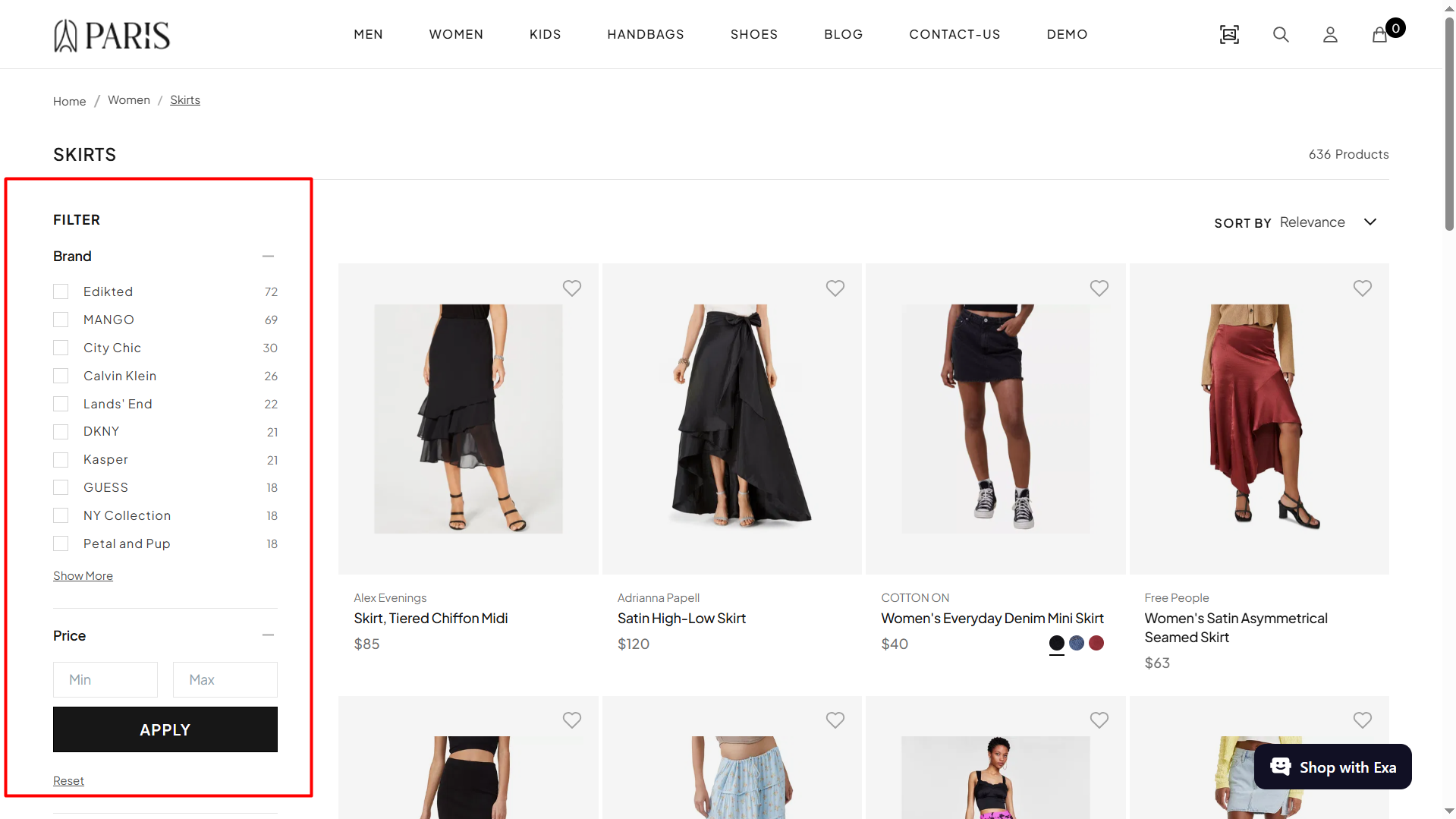
How Facets Work in Experro
Facets begin as product attributes in your catalog. Once an attribute is indexed in Experro, you decide which attributes become shopper-facing facets by creating a Facet Rule. A Facet Rule is a group of one or more facets tied to a specific scope on your storefront. The rule controls which facets appear, how each one looks, how values are sorted and labeled, and which values are visible to shoppers. You no longer configure facets one by one as standalone settings. Every facet now sits inside a Facet Rule. To build one, see Create and Manage Facet Rules.Facet Scope
Every Facet Rule has a Scope that determines where it applies. There are four scope types:- Global — Applies to the entire site. Use this for the default facet configuration that runs everywhere a more specific rule does not.
- Searches — Applies to all search queries or to specific search terms.
- Categories — Applies to all categories or to specific categories.
- Collections — Applies to all collections or to specific collections.
Precedence: A more specific rule overrides a broader one. If two rules at the same scope conflict, Experro applies the most recently active facet rule.