The workspace within which the setup and configuration of software tools, frameworks, and resources exists that enables the developers to create and test their eCommerce platform. It provides a controlled and optimized environment for the development process, facilitating efficient coding, collaboration, and deployment. Experro’s theme supports various development environments to accommodate different preferences and requirements of developers. These environments are designed to streamline the theme customization and extension process, ensuring smooth development workflows and high-quality outcomes.Documentation Index
Fetch the complete documentation index at: https://help.experro.com/llms.txt
Use this file to discover all available pages before exploring further.
What are the Two Development Environments?
Experro Storefront offers two default environments to working with the base theme.- Application (Default)
- Experro Visual Builder
Type 1 - Application (Default)
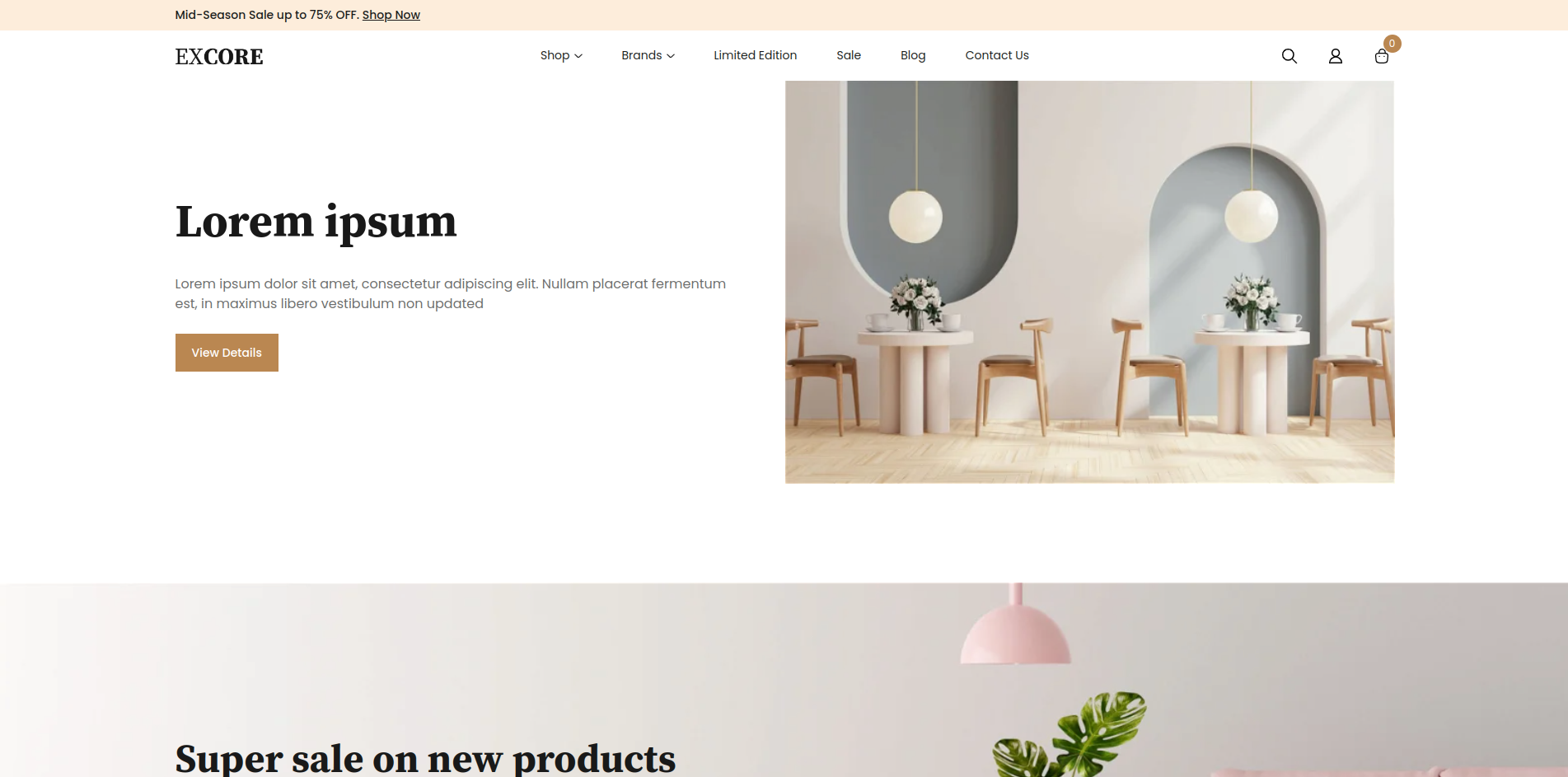
.env.development.local that contains the below configuration.
REACT_APP_BUILD_TARGET environment variable can be set to either app or app-ui-builder.
Type 2 - Experro Visual Builder
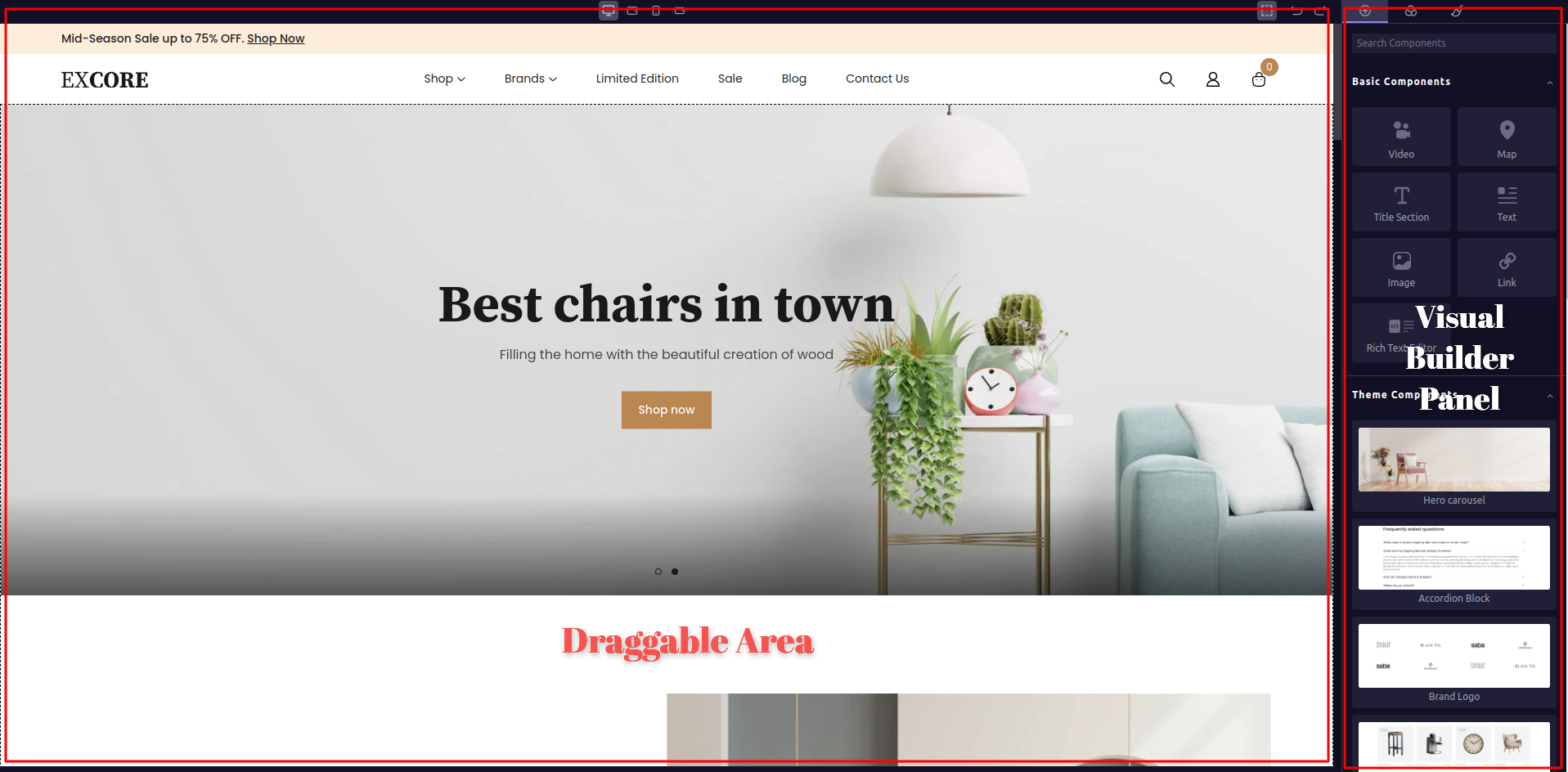
Change the value ofREACT_APP_BUILD_TARGET from app to app-ui-builder and re-run the base theme. You should see the base theme with Draggable area on left side and Visual Builder Panel on right side to drag-and-drop the possible components.