

Prerequisites
- Permission to manage experiments in the workspace.
- At least one channel and language configured.
- The pages, components, algorithms, or merchandising rules you want to test, each with variants already defined.
Create the Experiment
1
Start the flow
On the Experiments list, click Create Experiment, then choose A/B Test in the Select Experiment Type dialog.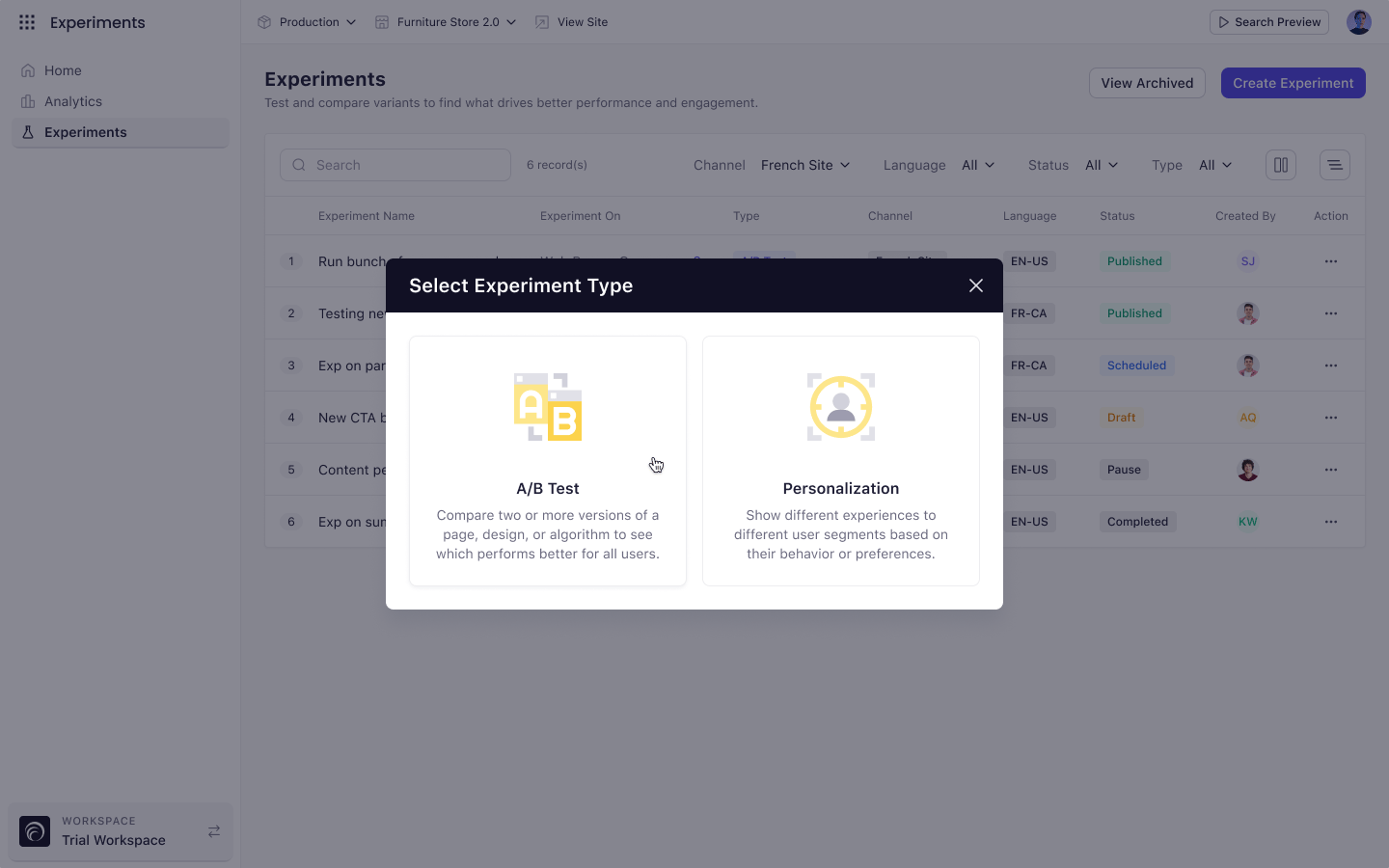
2
Enter the details
Give the experiment a name, then select a Channel and a Language. Observation and hypothesis are optional but worth writing — they record why you ran the test.Click Create & Continue. This saves the experiment as a draft.
3
Define your metrics
Add one primary metric. This is the KPI that decides the winner. Add secondary metrics to watch for side effects.
4
Choose your audience
Decide who enters the experiment and what share of them take part.
5
Set the duration
Pick a start date. Optionally add an end date, an event count limit, and email recipients to notify when the test finishes.
6
Allocate traffic to variants
Add your variants and set the split. The total must equal 100%.
7
Map the experiences
Add the pages, components, algorithms, or rules you are testing, then map each one to a variant.
8
Launch
Click Start Experiment, then confirm the prompt to publish the associated records.
Start Experiment stays disabled until you complete the Details step. Its tooltip reads “To start the experiment, first add the experiment details and create it.”
If Validation Fails
Experro checks every step when you start the experiment. If something is missing, a red icon appears beside the affected step in the Configurations rail and the message “Please enter all the required fields” appears at the top of the screen. Use the rail as a checklist. A green check means the step is complete.Key Considerations
- After you save the Details step, Channel and Language become read-only.
- Every experience you add must be mapped to a variant before the experiment can start.