

Define Variant Traffic Allocation
Every A/B test includes a Control Group. The control is your existing experience and the baseline every variant is measured against. It cannot be removed. Add variants with Add Variant. The experiment supports four in total, including the control group.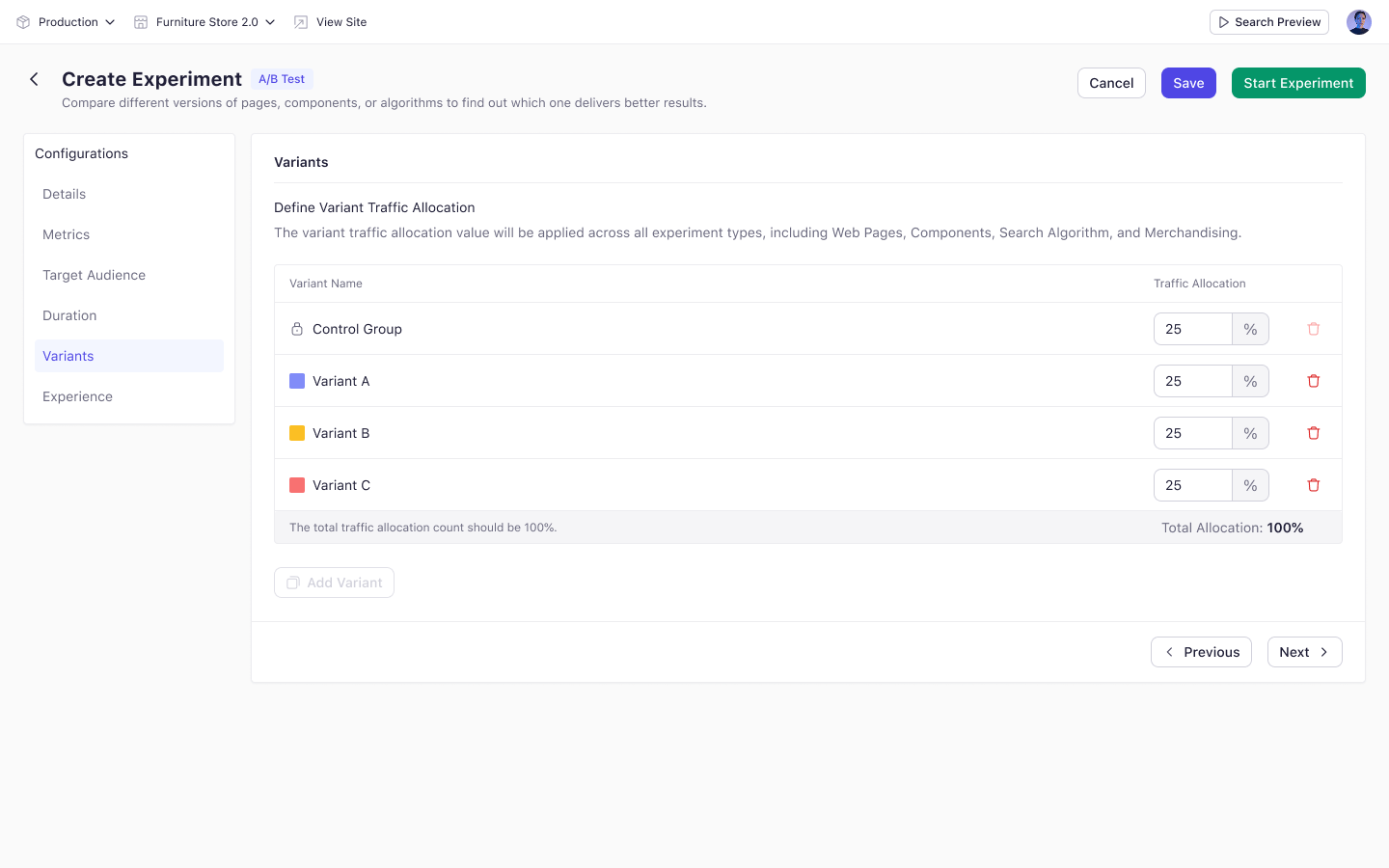
How the Split Works
On first load the experiment starts at 50% control and 50% Variant A. Adding a variant redistributes traffic equally, and you can then set each share by hand. The total must equal 100%. Total Allocation turns red when it does not, and the experiment cannot start.Worked Example
Carrying on from Target Audience, 100 visitors enter the experiment. With four groups at 25% each:- Control Group — 25 visitors
- Variant A — 25 visitors
- Variant B — 25 visitors
- Variant C — 25 visitors
Key Considerations
- At least one variant besides the control group is required.
- The allocation you set here applies to every experience type in the experiment.
Changing allocation after an experiment starts does not move visitors already assigned. New visitors are distributed until the split matches the new configuration.