

Add an Experience
Click Add Experience(s) and choose a type.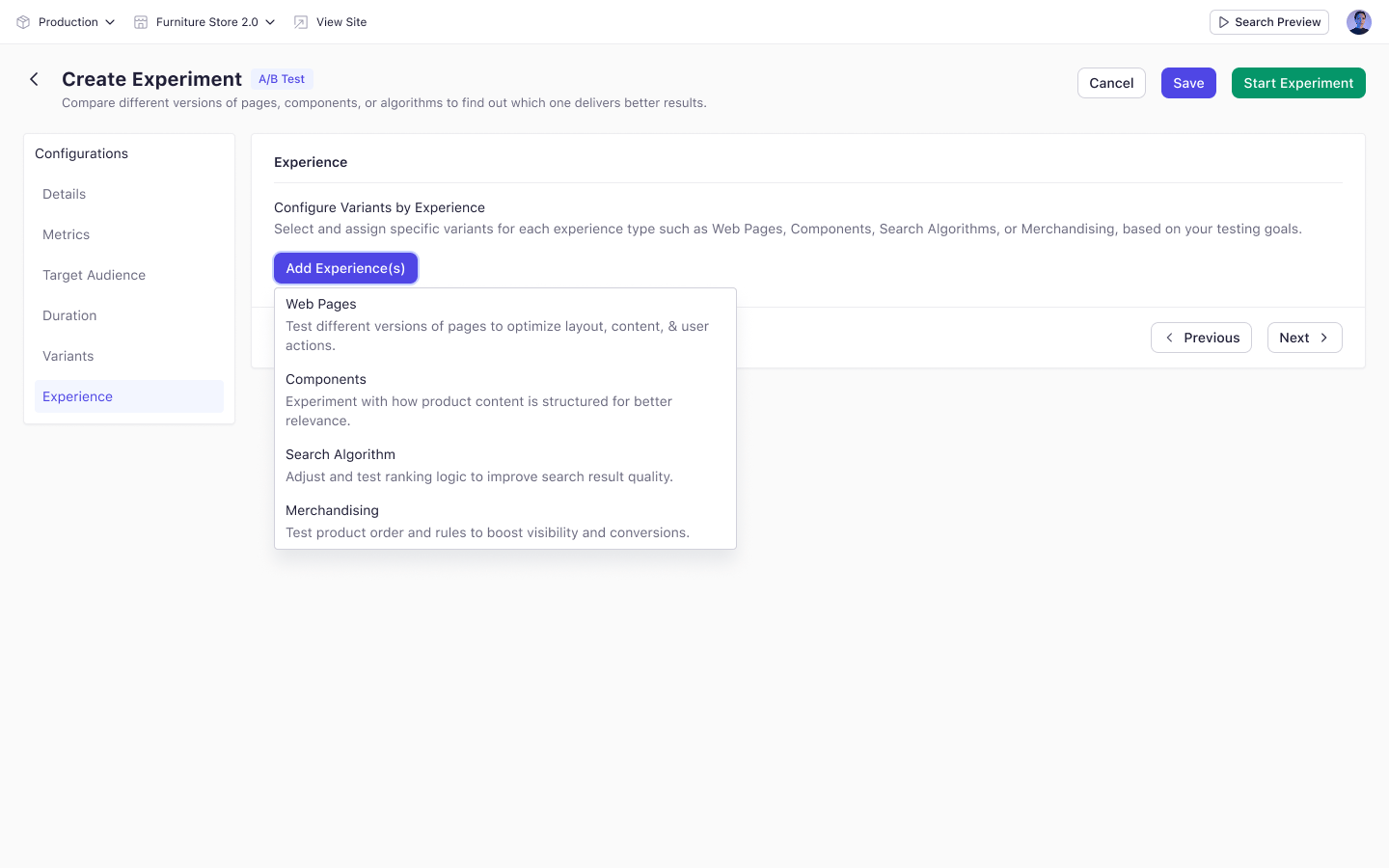
Each type can be added once. Selected types are removed from the dropdown.
Map Variants
Adding a type opens a selection dialog. Search for the records you want, filter by content model where available, and add one or more. Each added row then gives you two things to set:- A Version — defaults to the published version, or the latest version if none is published.
- A variant mapping — which internal variant of that record maps to which experiment variant.
Key Considerations
- Web pages must be enabled to act as web pages.
- Visibility of algorithms and merchandising rules depends on your plan. If your plan does not include Discovery, those types will not appear.
Starting an experiment prompts you to publish the associated records. The experiment only begins after you confirm.