

Clone an Experiment
Clone from the row menu on the Experiments list, or from the Clone button on the experiment’s own screen. The clone opens as a new Draft with every setting copied — details, metrics, target audience, duration, variants, and experience mappings. Edit what you need, then save or start it.
Experro confirms with “Experiment cloned successfully.”
Delete an Experiment
Delete from the row menu, or from the Delete button on the experiment’s screen. The confirmation depends on the status. Published experiments warn that configurations, variants, and collected metrics will be removed, and offer Pause Experiment as an alternative alongside Cancel and Delete. Scheduled experiments name the scheduled start date and warn that deleting cancels the run. Draft and completed experiments get a straightforward confirmation.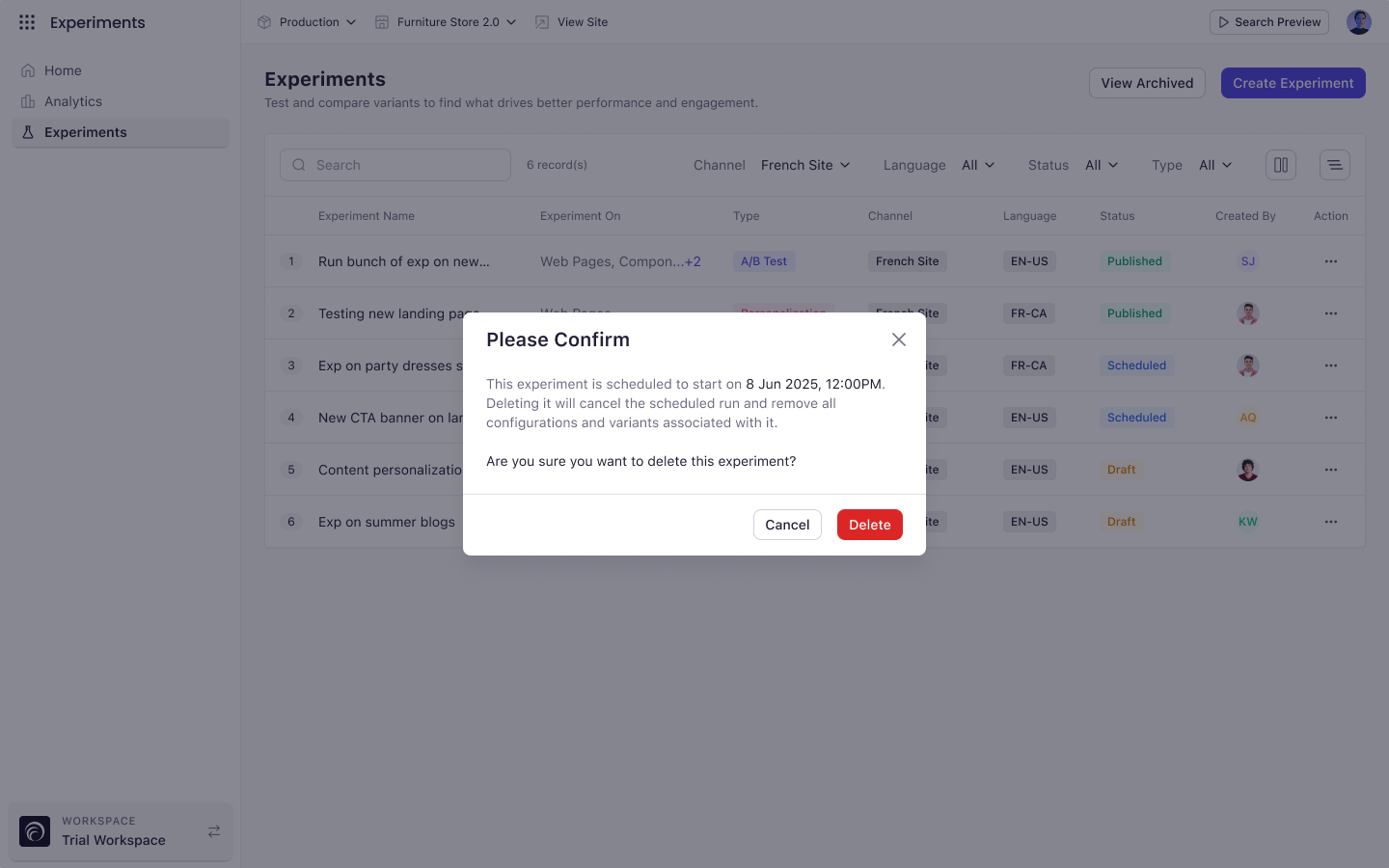
Key Considerations
- Published and paused experiments cannot be deleted while running. Pause or end them first.
- Cloned experiments can share a name with the original. Names are not required to be unique.